Technical SEO
How to Fix Missing Meta Descriptions in Next.js
By Abid Ali · Published · Updated
A missing meta description is a page that never set one, or a template that left it blank. Set it in the App Router and confirm it in the HTML.
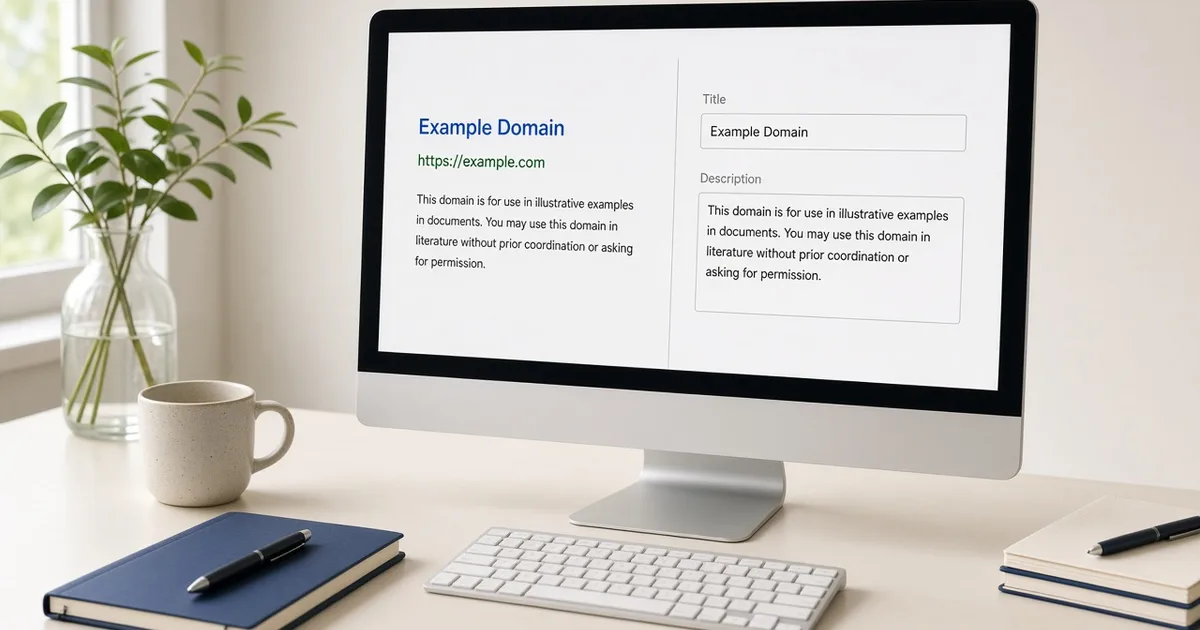
A missing meta description means the HTML response has no meta name="description" with real text. Crawlers then invent a snippet from whatever sentences they find, or they show nothing useful. In a Next.js App Router app the tag comes from the Metadata API. If the tag is absent, the page never set description, or a parent layout set it to an empty string and the page did not replace it.
Find the pages that are actually blank
Do not guess from the design. Request the HTML.
curl -s https://example.com/about | findstr descriptionYou want a tag like:
<meta name="description" content="A sentence that describes this page.">Check the view-source response, not the Elements panel after client scripts run. A description injected in the browser is the same class of bug as a client-only Open Graph tag: the first response is what a crawler stores.
Common causes:
- The route has no
metadataexport and the root layout has no default description. descriptionis set from a CMS field that is empty for that entry.- A title was updated and the description was left as the placeholder "Description".
generateMetadatareturns before the async content arrives, so the description is undefined.
Set next.js metadata description in one place
Give the root layout a real default. Then give every indexable route its own description. A helper keeps the shape from drifting:
export function pageMetadata({ title, description, path }): Metadata {
  return {
    title,
    description,
    alternates: { canonical: path },
    openGraph: { title, description, url: path },
  };
}
The same string feeds the meta description and og:description. Writing them in two files is how they fall out of date.
Digital Dialogue's public src/lib/metadata.ts shows a related problem: paginated lists. Page 2 of an archive was duplicating page 1's description. The helper appends Page 2. and trims the base text so the result stays near 160 characters. That is the right fix for duplicate meta descriptions on archives. Filtered URLs that show different content deserve their own sentence. Filtered URLs that show the same document should canonical to the main URL instead of pretending to be new pages.
Meta description length
Write the sentence for a person scanning a results page. Say what the page is and who it is for. Skip "Welcome to" and a list of keywords.
About 140 to 160 characters is the working range for meta description length. Count the final string. If a template adds " | Site Name", that suffix is part of the count only for the title. The description usually should not repeat the site name unless the page would be ambiguous without it.
A practical check: if you can swap the description onto a different URL and it still sounds right, it is too generic. "Learn more about our services" fits every service site. It does not describe a page.
Confirm the rendered HTML
After the change:
- Open view source on the route and on one dynamic route (a post or a case study).
- Confirm each
contentvalue is specific to that URL. - Confirm the tag is not rendered twice. Two description tags make it unclear which one is used.
- If the page is paginated or filtered, confirm either a unique description or a canonical to the primary URL.
A missing meta description that "comes back" after deploy is often a cached HTML edge or a metadata function that reads an empty field and returns description: undefined, which omits the tag. Log the value you pass into pageMetadata for that slug. The tag cannot be more specific than the string you gave it.
Questions
- Does Google always use the meta description I write?
- No. Google may rewrite the snippet. A missing meta description still matters because many other results, social cards, and your own templates fall back to it. Write one so the fallback is yours.
- What length should the description be?
- Aim for about 140 to 160 characters. Shorter than that wastes the snippet. Much longer and it is cut off. Count the rendered string, including any site-name suffix you append.
- Why do two URLs share one description?
- They often render the same layout metadata. Paginated archives and filtered views need their own description, or a canonical that tells search engines which URL is the main one.
Next in the reading path: How to Build Accessible Forms in React