Technical SEO
How to Add Open Graph Metadata to a Next.js Website
By Abid Ali · Published · Updated
How to set an Open Graph title, description, URL, and a 1200 by 630 image in the Next.js App Router, then check the tags a crawler will actually see.

Open graph metadata Next.js writes into the document head is a small set of tags: a title, a description, a canonical URL, and an image. Facebook, LinkedIn, Slack, WhatsApp, and others read those tags when someone pastes a link. They do not read the visible H1.
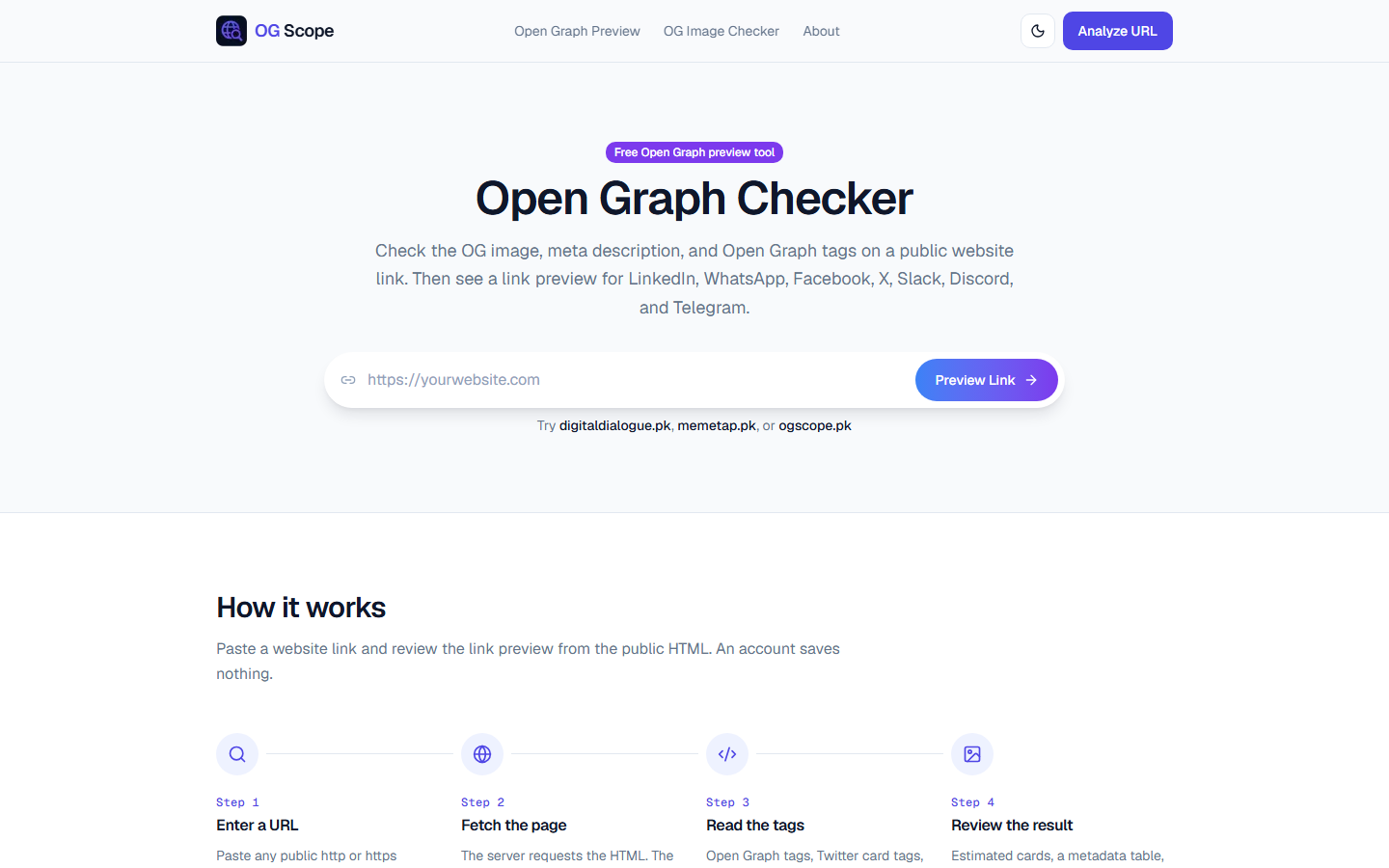
OG Scope exists for that check. Paste a public URL and the server fetches the page, reads the Open Graph and Twitter card tags, and shows an estimated card for several platforms. The cards are estimates, because platforms do not publish their exact crop. The tags themselves are not estimates. If the fetch cannot see a tag, the preview will not have it.
The tags that matter
A social share preview needs four values:
og:title, the open graph titleog:descriptionog:url, the canonical URL of this pageog:image, an absolute URL of the image
og:type is website for a normal page and article for a post. og:site_name is the brand. Twitter's large card uses twitter:card set to summary_large_image, plus a title, description, and image. Many platforms fall back to the Open Graph tags when the Twitter tags are missing. Set both.
The og:image should be 1200 by 630. That ratio is 1.91:1. A square logo on a transparent field becomes a thin strip in a wide card. Put the subject in the center, because some apps crop the sides.
App Router metadata
In the Next.js App Router, the Metadata API writes these tags. Set metadataBase once in the root layout so image and canonical paths resolve to absolute URLs. A relative /opengraph-image.png is not a valid share image until it has a host.
Digital Dialogue's root layout, in the public repository, does it this way:
export const metadata: Metadata = {
  metadataBase: new URL(config.BASE_URL),
  openGraph: {
    type: "website",
    locale: "en_US",
    siteName: config.SITE_NAME,
    title: config.SITE_NAME,
    description: config.DEFAULT_DESCRIPTION,
    images: [DEFAULT_OG_IMAGE],
  },
  twitter: {
    card: "summary_large_image",
    images: [DEFAULT_OG_IMAGE.url],
  },
};
DEFAULT_OG_IMAGE is a 1200 by 630 file with alt text. A page that has its own cover passes a different image. A page that does not gets the fallback.
On this portfolio, one helper builds the same shape for every route: title, description, alternates.canonical, openGraph.url, and openGraph.images. The canonical path and the Open Graph URL are the same string. If they drift, a shared link and the indexed URL disagree.
openGraph: {
  type: "website",
  url: path,
  title: fullTitle,
  description,
  images: [image],
}
Per-page metadata replaces the root values for the keys you set. It does not automatically invent an image. If a blog post has a cover, pass that cover. If it does not, the root image remains.
What a server fetch cannot see
OG Scope documents a real limit: tags inserted only by client JavaScript are invisible to a server-side fetch. The same limit applies to Slack and LinkedIn. Put the tags in the server-rendered head. Do not set them in a useEffect.
Also check:
- The image URL returns 200 and is not blocked by
robots.txtif you want it fetched. - The image is not an SVG. Several platforms reject SVG for og:image.
og:urluses the public host, includingwwwif that is the canonical host.- The title in the tag matches the title you want on the card, not an internal template that doubles the site name.
How to verify
View the page source and search for og:image. Then paste the URL into a checker that fetches as a server, such as OG Scope, and compare the card with the tags. A mismatch means the platform is caching an older fetch, or the tag you edited is not the one in the HTML response. Fix the response first. Cache expires on its own. A social share preview is only as good as the HTML the platform was able to read.
Questions
- What size should an Open Graph image be?
- 1200 by 630 pixels is the size that social platforms expect for a large card. Keep the file reasonably small, and set the width and height in metadata so the preview is not guessed.
- Why does a tag added in the browser not show in the preview?
- Most platforms fetch the HTML on their server. They do not run the page's JavaScript. Tags have to be in the first response.
- Does every page need its own image?
- A site-wide fallback is enough for pages that share one brand image. Articles and case studies should set their own og:image so the social share preview matches that page.
Next in the reading path: How to Convert a Figma Design into Responsive React Components